DevCon 2026: ACC at Enterprise Scale
Automation patterns that transform hours of manual ACC administration into seconds of scripted operations. Bulk user management, issues, submittals, and more.

DevCon 2026 Session 1259 | 30-minute deep dive | Enterprise Track

The Math That Doesn’t Work
There’s a moment in every enterprise ACC🏗️ACCAutodesk's construction management platform.View in glossary deployment when someone realizes the math doesn’t work.
You have 200 active projects. Each project📁ProjectContainer for folders and files within a hub.View in glossary needs issues tracked, submittals managed, checklists completed, RFIs answered. The project management team has 8 people. Even if each person spends just 15 minutes per project per week on administrative tasks, that’s 500 hours of clicking—every week.
This session is about breaking that math.
The Enterprise ACC Reality
The Setup: A large general contractor with 200+ active construction projects. ACC is their platform of choice. Documents flow through ACC. Issues get tracked in ACC. Submittals, RFIs, checklists—all ACC.
The Problem: Scale breaks everything.
- The BIM🏛️BIMIntelligent 3D model-based design for buildings.View in glossary team uploads 500 models per month. Each needs translation⚙️Translation JobBackground process converting CAD files to viewable formats.View in glossary.
- The quality team creates 2,000 checklists per month from templates.
- Project controls tracks 10,000+ open issues across all projects.
- Leadership wants weekly reports aggregating data across the entire portfolio.
The Current State: A small army of coordinators clicking through the ACC UI, copying data into spreadsheets, manually creating issues one at a time. It’s unsustainable.
The Question: What if we could automate 80% of this?
Pattern 1: Issue Management at Scale
# List all issues in a project
raps issue list abc123-project-id --status open

# Create an issue programmatically
raps issue create abc123-project-id \
  --title "Structural clash at Level 3 - Grid C7" \
  --description "HVAC duct conflicts with beam B-12."

# Bulk create from CSV (clash detection export)
while IFS=, read -r title description; do
  raps issue create "$PROJECT_ID" --title "$title" --description "$description"
done < clash-report.csv
Time saved: 47 issues × 2 minutes each = 94 minutes → 10 seconds.
Pattern 2: Submittals Workflow
# Create a new submittal
raps acc submittal create abc123-project-id \
  --title "Curtain Wall Shop Drawings - Revision 2" \
  --spec-section "08 44 00" \
  --due-date "2026-05-15"

# Project kickoff: create 120 standard submittals
while IFS=, read -r title spec_section days; do
  due_date=$(date -d "+${days} days" +%Y-%m-%d)
  raps acc submittal create "$PROJECT_ID" \
    --title "$title" --spec-section "$spec_section" --due-date "$due_date"
done < master-submittal-list.csv
Time saved: One week → 30 minutes.
Pattern 3: Checklists at Scale
# Create checklist from template
raps acc checklist create abc123-project-id \
  --title "Level 5 MEP Rough-In Inspection" \
  --template-id template-789 \
  --location "Building A, Level 5"

# 50-story tower: create 200 inspection checklists
for floor in {1..50}; do
  for zone in "North" "South" "East" "West"; do
    raps acc checklist create "$PROJECT_ID" \
      --title "MEP Rough-In - Level $floor $zone" \
      --template-id "$TEMPLATE_ID"
  done
done
Time saved: 2 days → 5 minutes.
Pattern 4: RFI Reporting
# Monday morning portfolio review: overdue RFIs
echo "Overdue RFIs by Project" > rfi-report.csv
for project_id in $(cat project-ids.txt); do
  overdue=$(raps rfi list "$project_id" --output json | \
    jq '[.[] | select(.status != "answered" and .due_date < now)] | length')
  echo "$project_id,$overdue" >> rfi-report.csv
done
The report that used to take all morning? Runs automatically at 6 AM.
Pattern 5: Bulk User Management (NEW in v4.0)
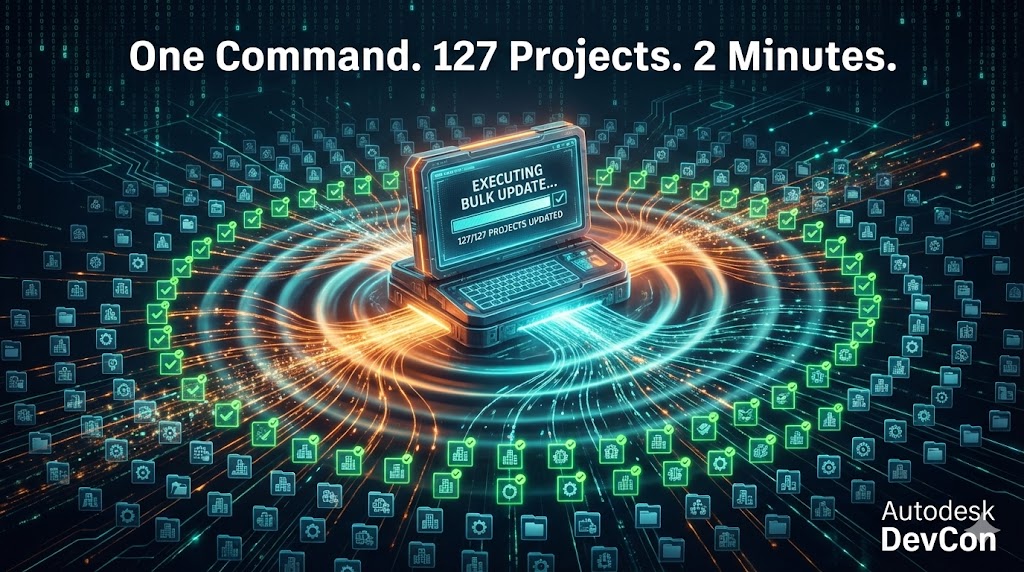
This one came from real pain. A client spent two full days adding a new hire to 180 projects. Click, search, assign, repeat. Their IT guy was ready to quit.
The Problem
“We just hired a new BIM manager who needs project admin access to all 127 active projects.”
With the ACC web interface:
- Navigate to each project
- Open the Members panel
- Search for the user
- Assign the role
- Repeat 127 times
That’s 6-10 hours of clicking.
The Solution
# Add user to ALL projects as project admin
raps admin user add "$ACCOUNT_ID" "new.bim.manager@company.com" \
  --role project_admin

# Preview first (learned this the hard way)
raps admin user add "$ACCOUNT_ID" "new.bim.manager@company.com" \
  --role project_admin \
  --dry-run

# Filter to specific projects
raps admin user add "$ACCOUNT_ID" "new.bim.manager@company.com" \
  --role project_admin \
  --filter "^2026-"
Result: 127 projects updated in under 2 minutes.
User Offboarding
# Remove departing employee from ALL projects
raps admin user remove "$ACCOUNT_ID" "former.employee@company.com"
No more discovering months later that a departed employee still has access.
The ROI Conversation
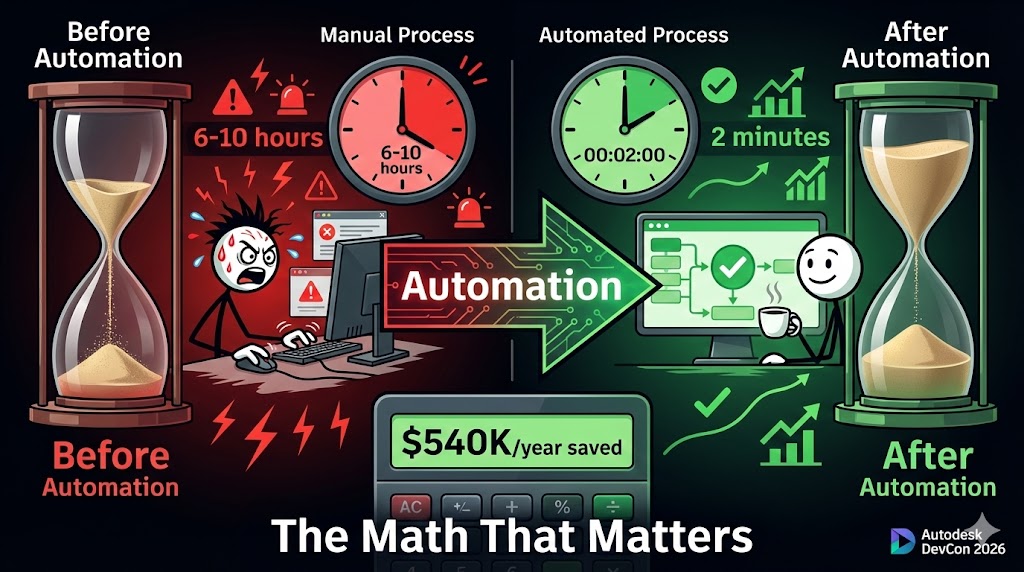
Let’s talk numbers that matter to decision makers.
Before automation🤖AutomationReplacing manual processes with software.View in glossary:
- 8 coordinators spending 20 hours/week on ACC administration
- 160 hours/week × 50 weeks = 8,000 hours/year
- At fully-loaded cost of $75/hour = $600,000/year
After automation:
- Same work done in 10% of the time
- 800 hours/year instead of 8,000
- Savings: $540,000/year
- Plus: data is always current, reports are always fresh
The tooling is free (open source). The implementation is measured in days, not months.
Key Takeaways
- Manual doesn’t scale—at enterprise volume, clicking is not a strategy
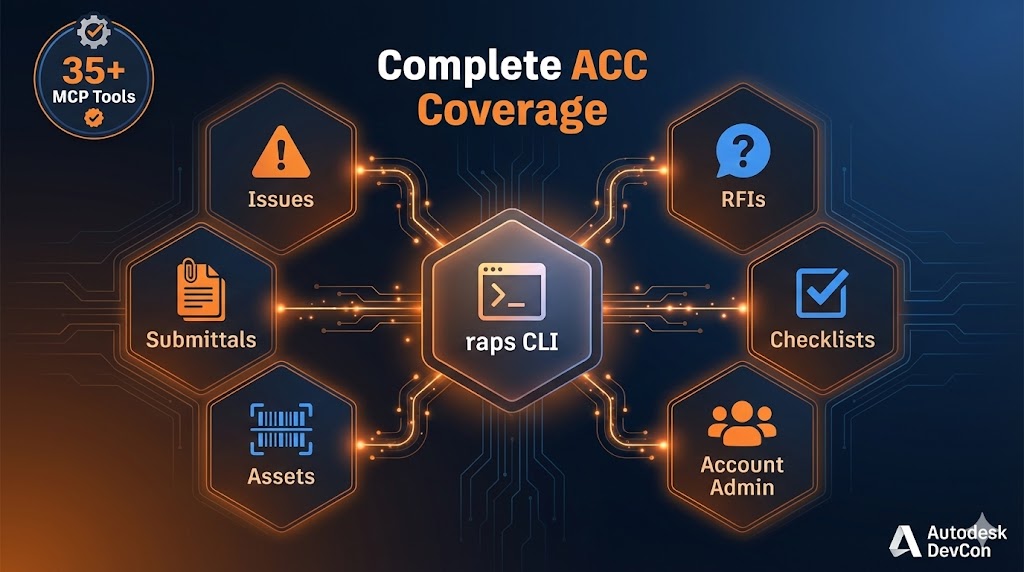
- Comprehensive ACC API🔌APIInterface for software components to communicate.View in glossary coverage: Issues, Submittals, Checklists, RFIs, Assets, and Account Admin
- Bulk user management transforms 6-10 hours of clicking into 2 minutes
- Multiple output formats (JSON📋JSONStandard data interchange format.View in glossary, CSV📊CSVTabular data format for spreadsheets.View in glossary, YAML📝YAMLHuman-readable configuration format.View in glossary) enable integration with any system
- Parallel operations dramatically reduce processing time
- Resumable operations mean network issues don’t restart your 200-project operation
- The patterns are reusable—what works on one project works on 200 projects
What’s Next?
Start with quick wins:
- Quick win: Export all open issues to CSV for your next project review
- Medium effort: Automate weekly reporting across your portfolio
- High impact: Use bulk user management for onboarding/offboarding
- Strategic investment: Build pipelines that create standardized project setups
Start small. Prove value. Scale up.