5 minute setup
Quick Start
From zero to automating APS in 5 minutes. Let's get you up and running.
01
Step 01
Install RAPS
Choose your preferred installation method
$ cargo install raps
Requires Rust 1.88+ (rustup.rs)
02
Step 02
Configure Credentials
Set up your APS application credentials
Get your credentials from the APS Developer Portal.
Option 1: Environment Variables
# PowerShell
$env:APS_CLIENT_ID = "your_client_id"
$env:APS_CLIENT_SECRET = "your_client_secret"
Option 2: .env File
# Create .env in your project directory
APS_CLIENT_ID=your_client_id
APS_CLIENT_SECRET=your_client_secret
Option 3: RAPS Profile
$ raps config profile create production
$ raps config set client_id "your_client_id"
$ raps config set client_secret "your_client_secret"
03
Step 03
Verify Authentication
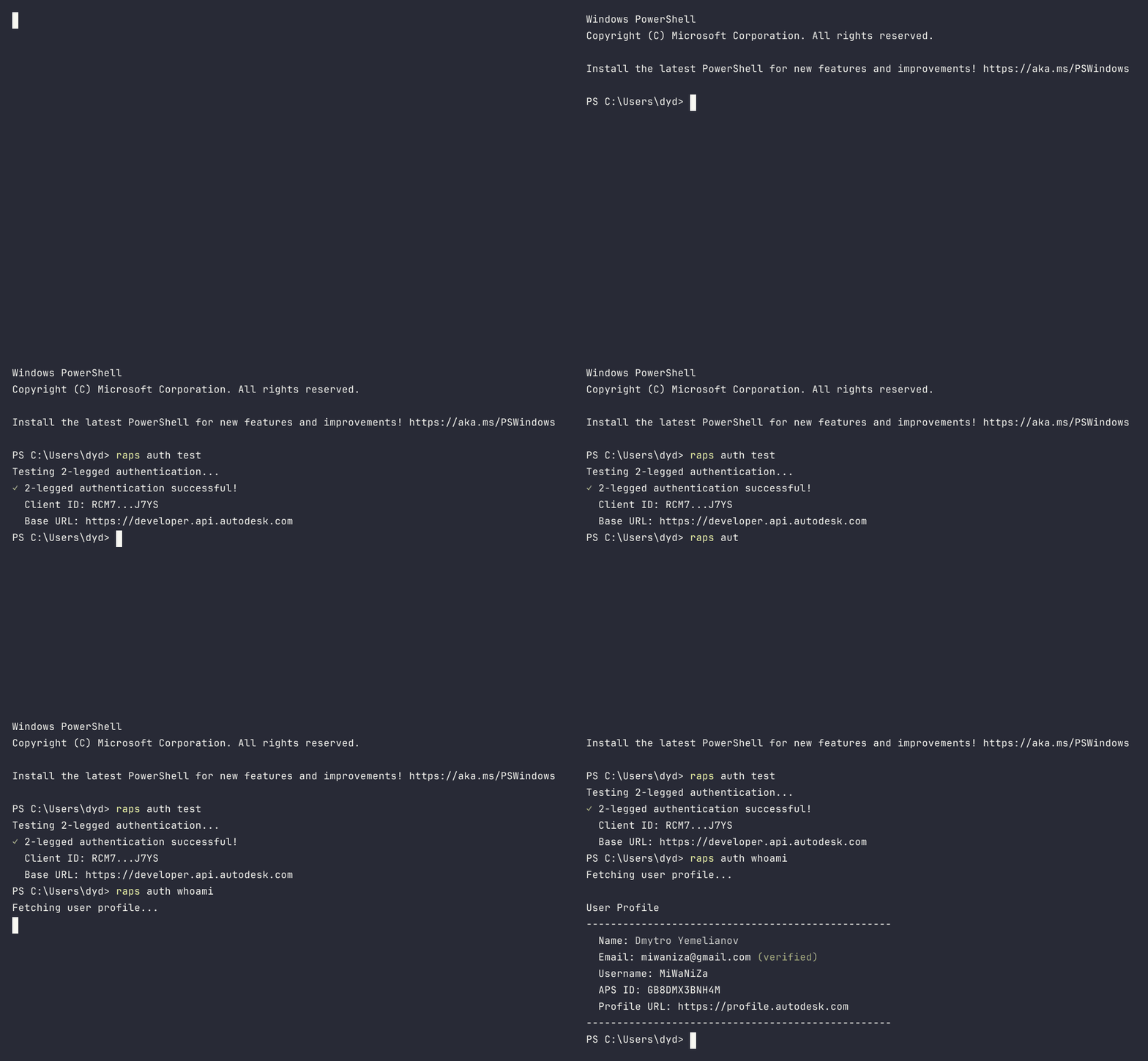
Test your connection to APS
$ raps auth test
✓ 2-legged authentication successful
$ raps auth login
# Opens browser for 3-legged OAuth
✓ Logged in as john.doe@company.com
$ raps auth whoami
Name: John Doe
Email: john.doe@company.com
04
Step 04
Your First Workflow
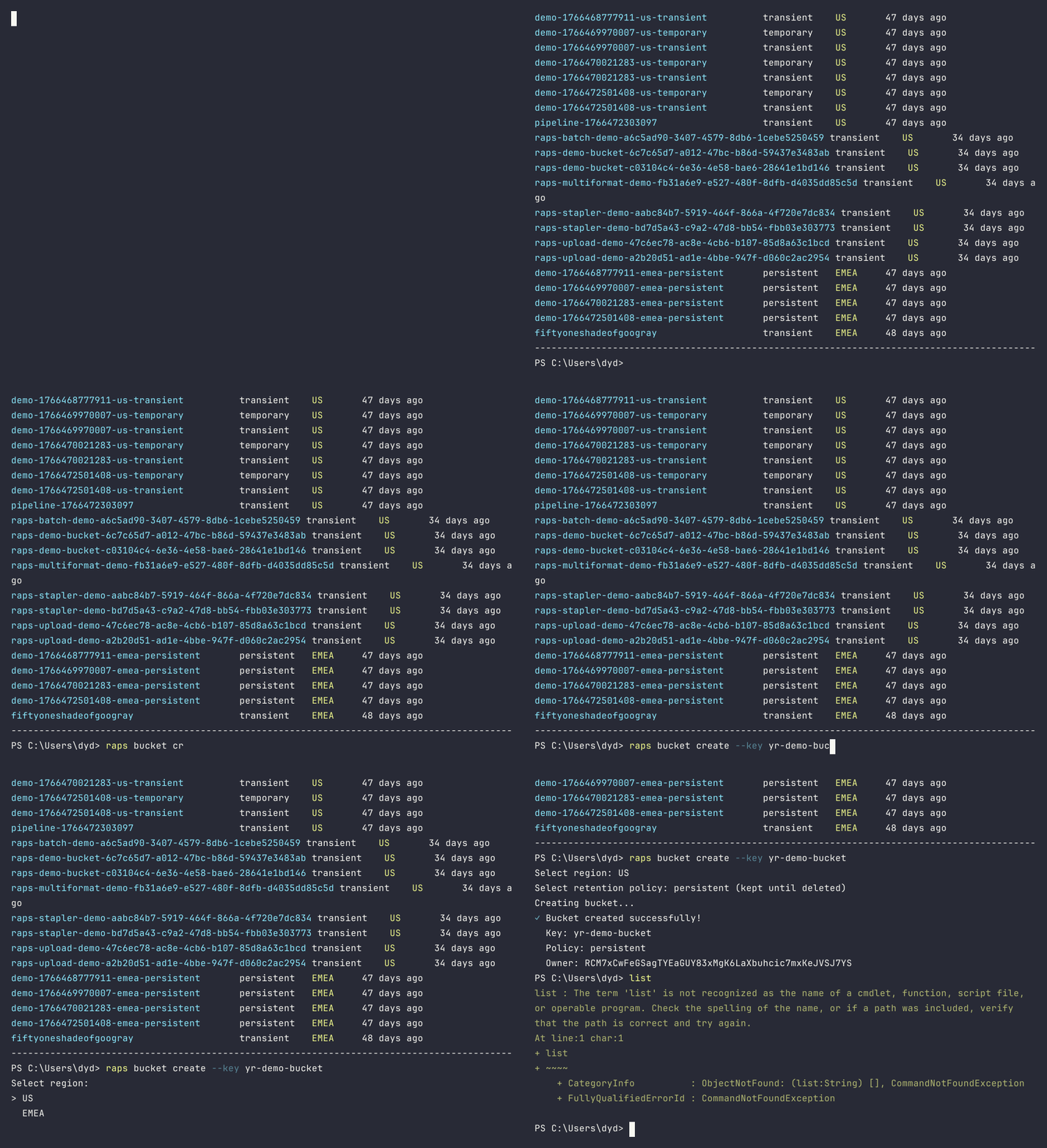
Upload a model and translate it
$ raps bucket create
Created bucket: my-bucket-abc123
$ raps object upload my-bucket model.rvt
Uploading model.rvt... ████████████████ 100%
URN: dXJuOmFkc2sub2...
$ raps translate start $URN --format svf2 --wait
Translation in progress... done (47s)
✓ Translation complete
$ raps translate manifest $URN -o json
{ "status": "success", "derivatives": [...] }
05
Step 05
MCP Server (Optional)
Enable AI assistants like Claude and Cursor to interact with APS
RAPS includes an MCP server with 111 tools for natural language APS operations.
Claude Desktop
// claude_desktop_config.json
{
  "mcpServers": {
    "raps": {
      "command": "raps",
      "args": ["serve"]
    }
  }
}
Cursor IDE
// .cursor/mcp.json
{
  "mcpServers": {
    "raps": {
      "command": "raps",
      "args": ["serve"]
    }
  }
}
After configuration, ask your AI assistant: "Show me all my APS buckets" 🤖
🎉
You're all set!
You've successfully set up RAPS and translated your first model.
Star RAPS on GitHub