DevCon 2026: Zero to Production CLI Speedrun
In 30 minutes, go from zero tooling to a production-ready workflow with authentication, file management, model translation, and AI assistant integration.

DevCon 2026 Session 1258 | 30-minute deep dive | Developer Track
The Problem
Every APS☁️APSAutodesk Platform Services - cloud APIs for CAD/BIM automation.View in glossary project📁ProjectContainer for folders and files within a hub.View in glossary starts the same way. You create an app in the developer portal. You copy the client ID and secret🔒SecretEncrypted sensitive configuration value.View in glossary. Then you open your favorite HTTP🔗HTTPProtocol for web communication.View in glossary client and start crafting requests. Base64-encode the credentials. POST to the token endpoint. Copy the access token🎟️TokenCredential for API authentication.View in glossary. Remember to add “Bearer” prefix. Paste it into the next request. Repeat when the token expires in an hour.
It’s 2026. We can do better.
This session is a speedrun. In 30 minutes, we’ll go from zero tooling to a production-ready workflow📈WorkflowAutomated process triggered by events.View in glossary that handles authentication, file management, model translation⚙️Translation JobBackground process converting CAD files to viewable formats.View in glossary, and—here’s the twist—AI assistant integration.
Part 1: Installation (Choose Your Adventure)
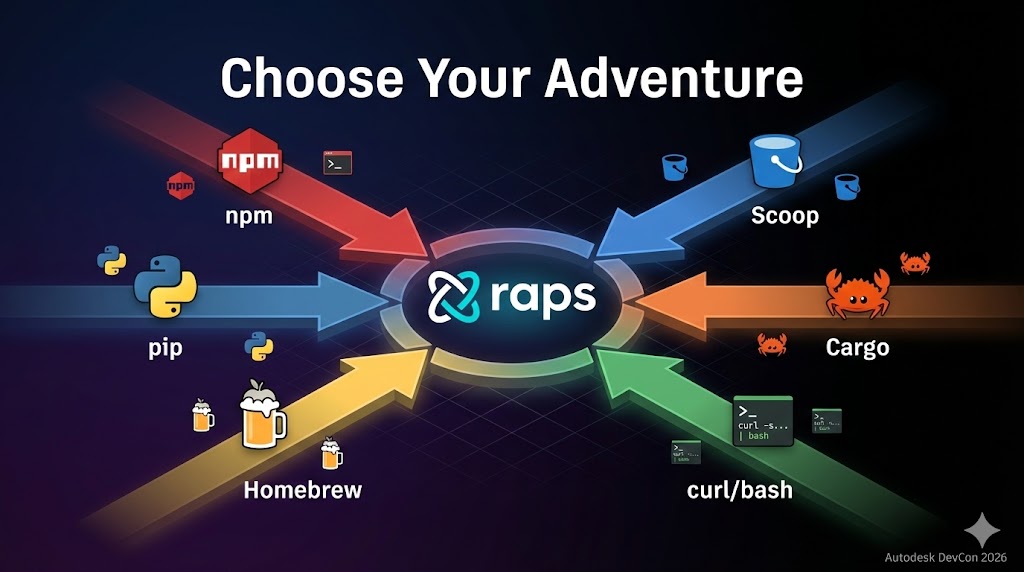
Six ways to install—pick the one that doesn’t make you twitch.
Quick Install Scripts (Recommended)
Linux/macOS:
curl -fsSL https://raw.githubusercontent.com/dmytro-yemelianov/raps/main/install.sh | bashWindows (PowerShell):
irm https://raw.githubusercontent.com/dmytro-yemelianov/raps/main/install.ps1 | iexPackage Managers
# npm
npm install -g @dmytro-yemelianov/raps-cli

# pip
pip install raps

# Homebrew (macOS/Linux)
brew install dmytro-yemelianov/tap/raps

# Scoop (Windows)
scoop bucket add raps https://github.com/dmytro-yemelianov/scoop-bucket
scoop install raps

# Cargo (Rust)
cargo install raps
Verify Installation
raps --version
# raps 4.14.0
Configuration: Making It Yours
Create Your First Profile
# Interactive setup
raps config profile create dev

# Or set values directly
raps config set client_id "your_client_id"
raps config set client_secret "your_client_secret"
Multiple Environments
# Create profiles for each environment
raps config profile create dev
raps config profile create staging
raps config profile create production

# Switch between them
raps config profile use staging

# Check active profile
raps config profile current
# → staging
Test Your Setup
raps auth test
# ✓ Authentication successful
#   Token expires in: 59 minutes
#   Scopes: data:read data:write bucket:create ...
Part 2: Core Operations
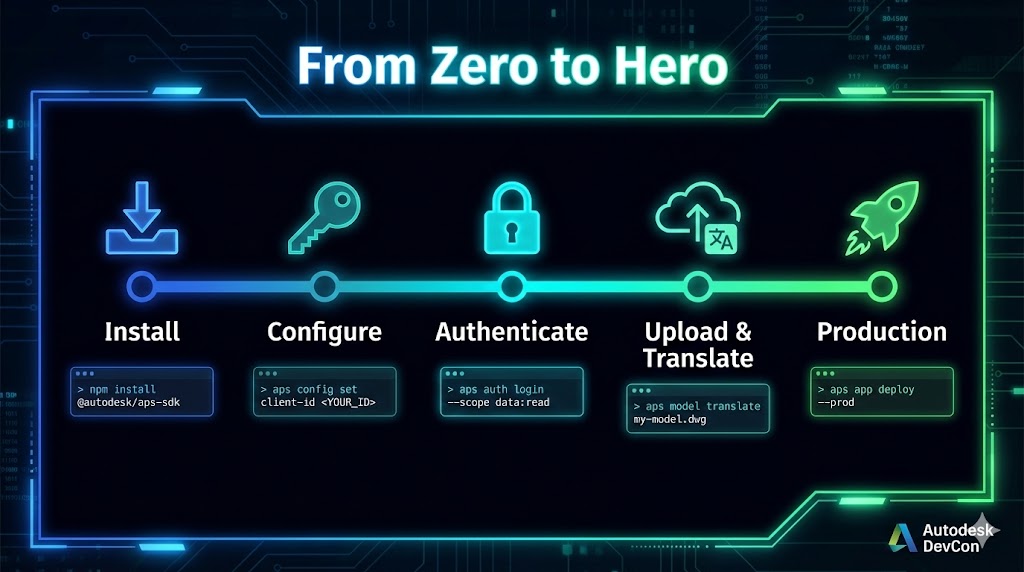
Buckets: Your Cloud Storage
# Create a bucket
raps bucket create --key hospital-project-2026 --policy persistent --region us

# List your buckets
raps bucket list
# ┌─────────────────────────┬────────────┬────────┐
# │ Bucket Key              │ Policy     │ Region │
# ├─────────────────────────┼────────────┼────────┤
# │ hospital-project-2026   │ persistent │ US     │
# │ temp-uploads            │ transient  │ US     │
# └─────────────────────────┴────────────┴────────┘
Uploads: Handling Real Files
# Upload a file (auto-chunks large files)
raps object upload hospital-project-2026 model.rvt
# [████████████████████████████████] 100% | 245 MB
# ✓ Upload complete!
#   URN (for translation): dXJuOmFkc2sub2JqZWN0czpvcy5vYmplY3Q6aG9z...

# Batch upload with parallel processing
raps object upload-batch hospital-project-2026 *.dwg --parallel 4
Translation: The Moment of Truth
# Start a translation
raps translate start dXJuOmFkc2sub2JqZWN0czpvcy5vYmplY3Q6aG9z... --format svf2

# Wait for completion (no manual polling!)
raps translate status dXJuOmFkc2sub2JqZWN0czpvcy5vYmplY3Q6aG9z... --wait
# Translation progress: 15%... 42%... 78%... 100%
# ✓ Translation complete!
Data Management: Navigating ACC/BIM 360
# List your hubs (requires 3-legged auth)
raps auth login  # Opens browser for OAuth flow
raps hub list

# Navigate the hierarchy
raps project list b.abc123-hub-id
raps folder list b.xyz789-project-id urn:folder:root
raps item versions b.xyz789-project-id urn:item:12345
Part 3: AI Integration
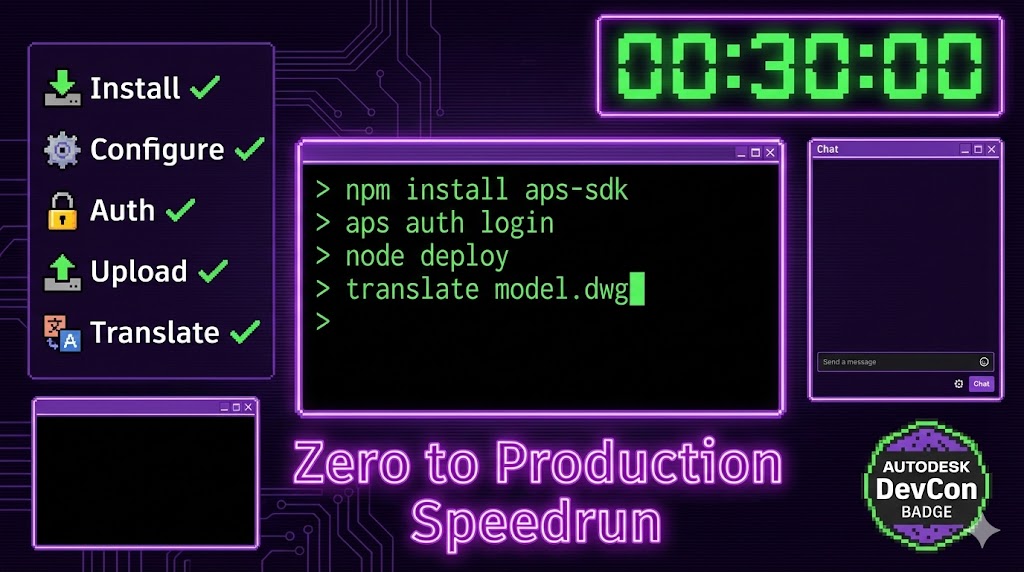
Start the MCP Server
raps mcpThat’s it. The CLI💻CLIText-based interface for running commands.View in glossary is now an MCP🧠MCPProtocol for AI assistant tool integration.View in glossary server, exposing 111 tools for AI assistants.
Connect Claude Desktop
Edit your Claude configuration⚙️ConfigurationSettings controlling application behavior.View in glossary:
macOS: ~/Library/Application Support/Claude/claude_desktop_config.json
Windows: %APPDATA%\Claude\claude_desktop_config.json
Linux: ~/.config/claude/claude_desktop_config.json
{
  "mcpServers": {
    "raps": {
      "command": "raps",
      "args": ["mcp"],
      "env": {
        "APS_CLIENT_ID": "your_client_id",
        "APS_CLIENT_SECRET": "your_client_secret"
      }
    }
  }
}
What Can You Do With This?
Once connected, natural language becomes API🔌APIInterface for software components to communicate.View in glossary operations:
- “List all my OSS📦OSSAPS cloud storage for files and models.View in glossary buckets” → AI calls
bucket_list - “Create a bucket🪣BucketContainer for storing objects in OSS.View in glossary named ‘new-project’ with transient policy” → AI calls
bucket_create - “What’s the status of my translation job?” → AI calls
translate_status - “Add user@company.com to all active projects” → AI calls
admin_user_add
The Bigger Picture
APS is powerful. The APIs are comprehensive. But there’s a gap—a big one—between reading the documentation and actually shipping production code. That gap is filled with friction: OAuth🔐OAuthIndustry-standard authorization protocol used by APS.View in glossary dance, Base64 encoding URNs, polling loops with magic sleep timers.
Good tooling shrinks that gap. It lets you focus on what you’re actually building instead of fighting the mechanics.
Key Takeaways
- CLI beats clicking for anything you do more than twice
- 95+ commands across 15 APIs—probably covers what you need
- Pick your poison for install: npm, pip, brew, scoop, cargo, or curl-bash
- Profiles save your sanity when juggling staging vs prod
- MCP is real—111 tools, works today, not a demo
- Open source means you can fix bugs without waiting on a vendor ticket