What is yr?
yr (Yemelianov Recorder) is a CLI tool for creating terminal recordings from scripted scenarios. Write a .yr script describing what to type, and yr renders it into a GIF or WebP — no screen recording software needed.
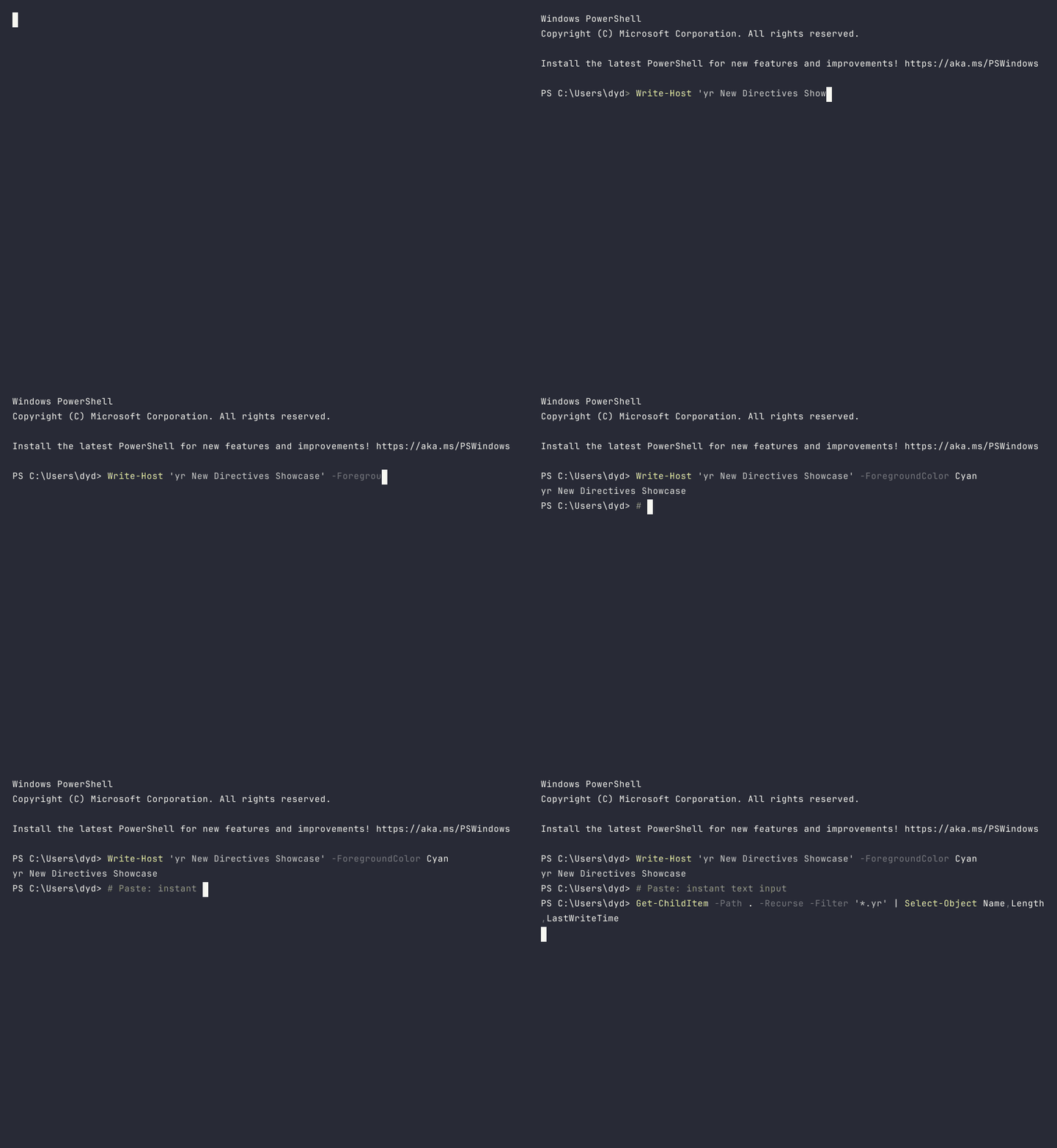
Built in Rust with ConPTY on Windows (and portable-pty on other platforms), yr gives you pixel-perfect terminal output with full ANSI color support.
Why yr?
The Problem: Existing tools like VHS and asciinema are Linux-first. ConPTY on Windows has quirks that cause garbled output, dropped frames, and broken recordings. Creating terminal demos for documentation shouldn’t require a Linux VM.
The Solution: yr is built Windows-first with ConPTY handling baked into its architecture. It also introduces directives that existing tools lack: instant paste, secret masking, output-driven synchronization, and chapter markers.
How it compares
| Feature | yr | VHS | asciinema |
|---|---|---|---|
| Windows ConPTY | Native | Partial | No |
| Secret masking | Built-in | No | No |
Output sync (WaitFor) | Built-in | No | No |
| Instant paste | Built-in | No | No |
| Chapter markers | Built-in | No | No |
| GIF output | Yes | Yes | Via agg |
| WebP output | Yes | No | No |
Key Features
- Line-based DSL — Simple
.yrscripts:Type,Enter,Sleep,Exec - Paste — Instant text input for long commands
- Mask / Unmask — Hide secrets in all captured frames
- WaitFor — Sync on terminal output instead of fragile sleep durations
- Marker — Annotate chapters for navigation and splitting
- Themes — Dracula, Nord, Monokai, GitHub Dark, and more
- Bundled font — JetBrains Mono included, no system font dependencies
Quick Start
# Record and render a scenario
yr render demo.yr --output demo.gif

# Preview in terminal (no rendering)
yr preview demo.yr

# Validate script syntax
yr validate demo.yr
Example Script
Set Shell "powershell -NoProfile"
Set Width 80
Set Height 24
Set Theme "dracula"
Set FontSize 14

Type "echo 'Hello from yr!'"
Enter
Sleep 2s

Type "Get-Process | Select-Object -First 5 Name,CPU"
Enter
Sleep 3s
Directives
Paste — Instant Text Input
Unlike Type (one character at a time), Paste writes everything at once — perfect for long commands that aren’t the focus of your demo.
# Slow, deliberate typing
Type "echo hello"
Enter

# Instant paste for boilerplate
Paste "Get-Process | Sort-Object CPU -Descending | Select-Object -First 5"
Enter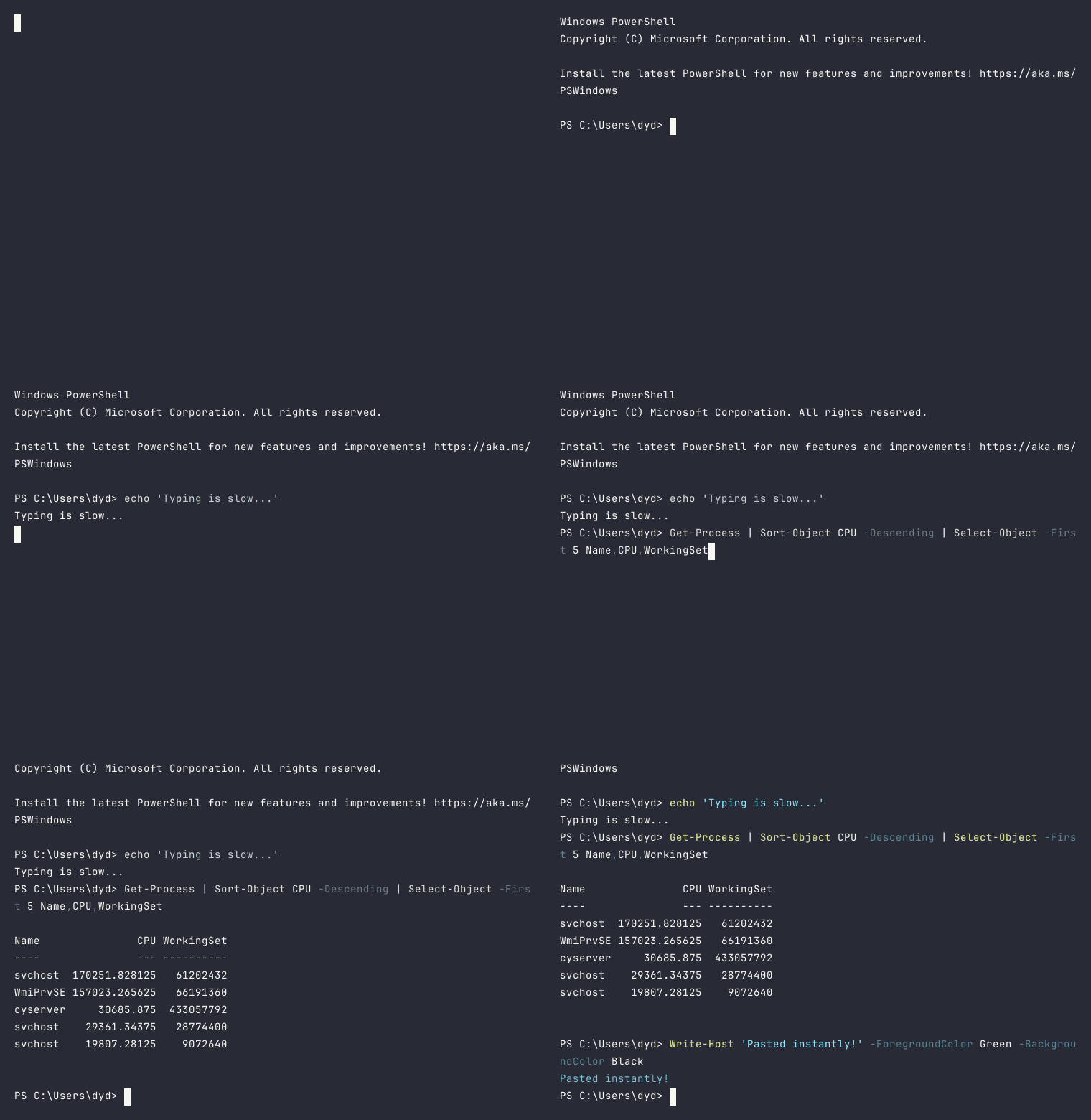
Mask / Unmask — Hide Secrets
Masks replace secret values with asterisks in all captured frames. The secret never appears in any output file.
Env API_KEY "sk-proj-abc123def456"
Mask "sk-proj-abc123def456"

Type "echo $env:API_KEY"
Enter
# Output shows: **********************
WaitFor — Output Synchronization
Replace fragile Sleep durations with output-driven waits. Polls the terminal every 50ms until the pattern appears.
Exec "cargo build"
WaitFor "Finished" 60s

Type "cargo test"
Enter
WaitFor "test result: ok"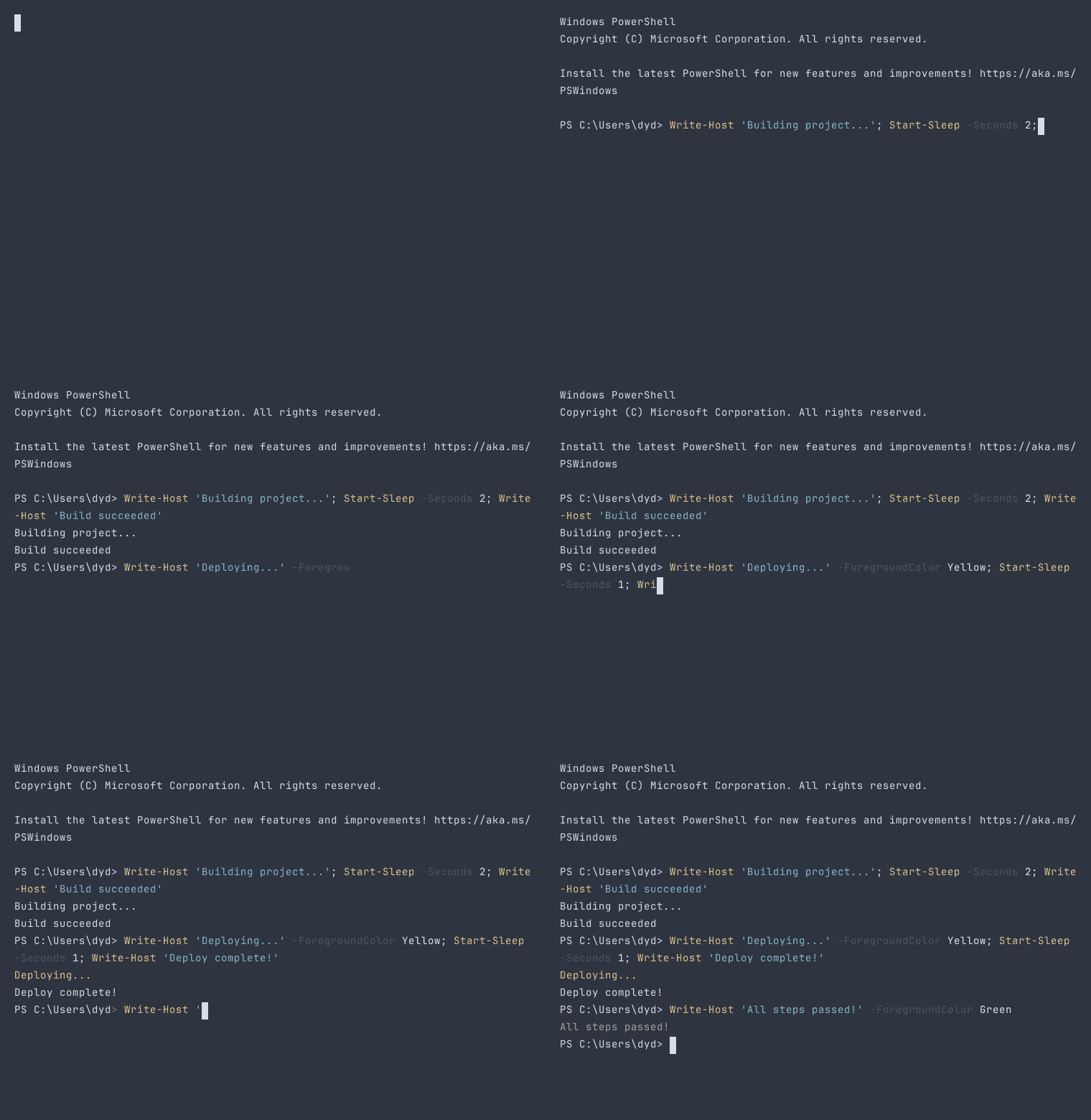
Marker — Chapter Annotations
Force-capture a frame with a name. Enables chapter navigation, progress bars, and recording splitting.
Marker "Setup"
Type "git clone https://github.com/org/repo.git"
Enter
WaitFor "done."

Marker "Build"
Type "cargo build --release"
Enter
WaitFor "Finished"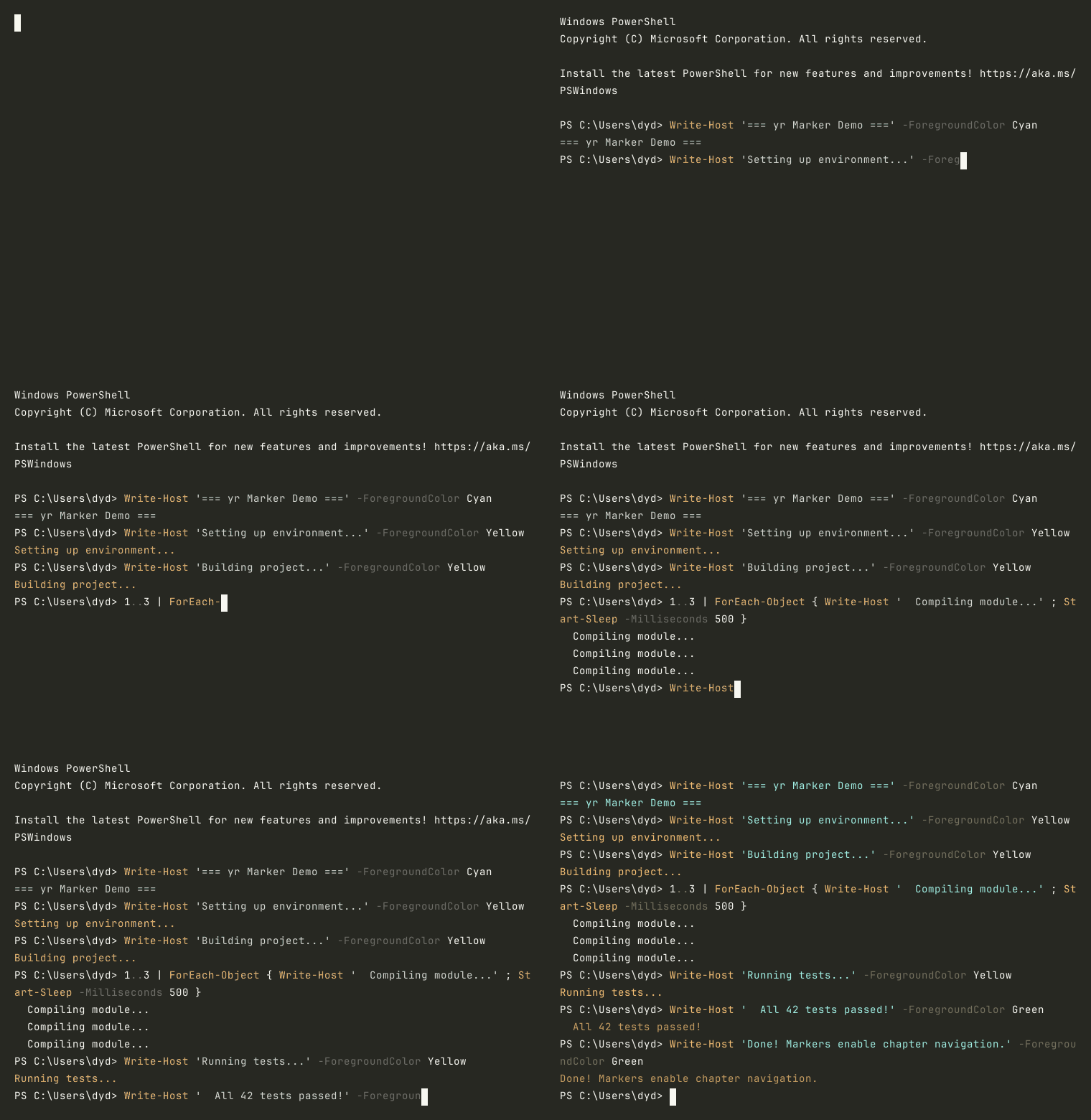
Output Formats
| Format | Extension | Use Case |
|---|---|---|
| GIF | .gif | Documentation, GitHub READMEs, universal support |
| WebP | .webp | Smaller files, better quality, modern browsers |
| yrdata | .yrdata | Binary archive with LZ4 compression for re-rendering |
Integration with RAPS
yr is used to create all terminal recordings on this website. The demo showcase and documentation GIFs are rendered from .yr scripts stored in the raps-demo repository.
# Record a RAPS demo
yr render raps-auth.yr --output auth-demo.gif

# Re-render with different theme
yr render raps-auth.yr --output auth-demo.gif --theme nord
Directive Reference
| Directive | Syntax | Description |
|---|---|---|
Set | Set Key "value" | Configure shell, dimensions, theme, font |
Type | Type "text" | Type character by character |
Paste | Paste "text" | Instant text input |
Enter | Enter | Press Enter |
Sleep | Sleep 2s | Pause for a duration |
Exec | Exec "command" | Execute without typing animation |
Mask | Mask "secret" | Hide a value in all frames |
Unmask | Unmask | Clear masks |
WaitFor | WaitFor "pattern" 30s | Wait for terminal output |
Marker | Marker "name" | Annotate a chapter |
Env | Env KEY "value" | Set environment variable |